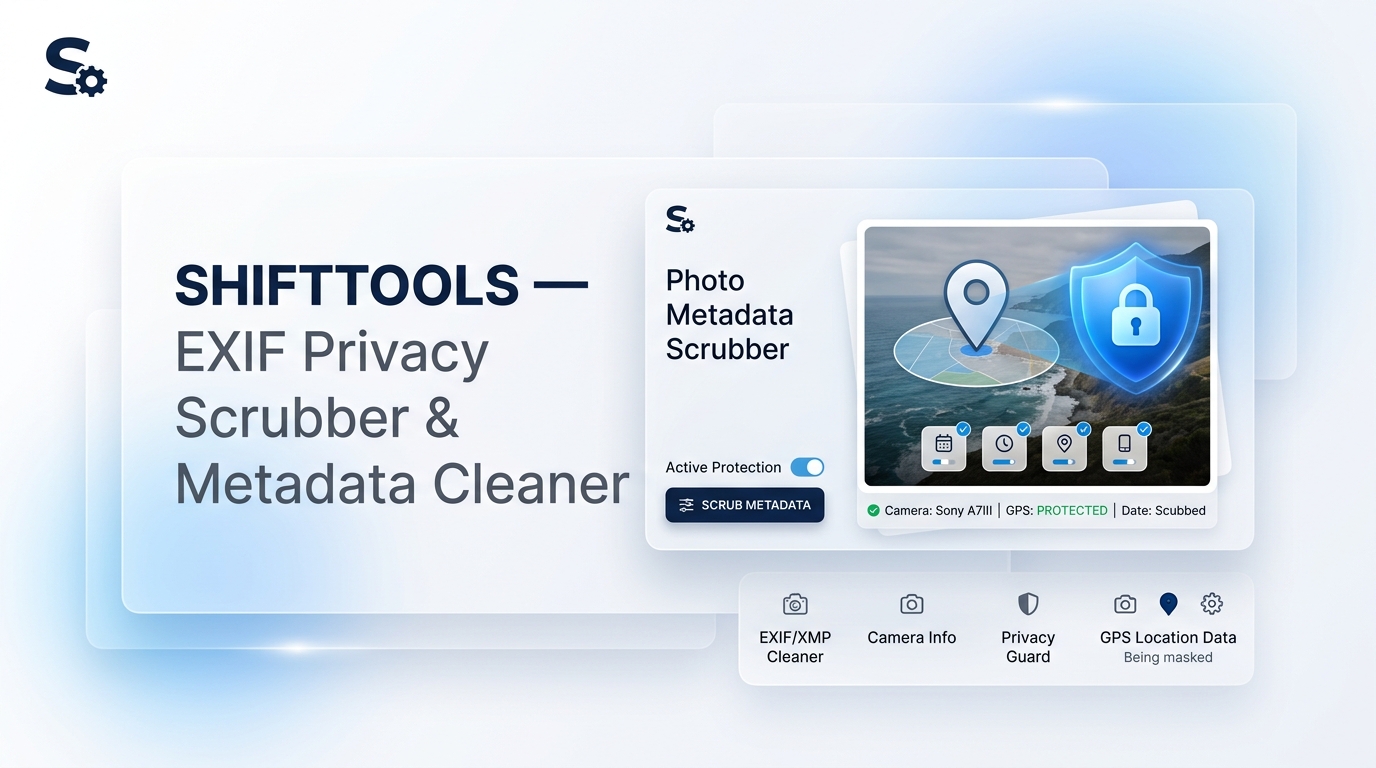
Every smartphone photo or DSLR picture contains hidden EXIF metadata. This hidden header data often includes your exact home GPS coordinates, camera serial number, exposure settings, and exact timestamps.
What Metadata is Hidden in Your Photos?
- GPS Location Tags: Latitude & Longitude revealing your precise address on a map.
- Camera & Device Identifiers: iPhone/Android device IDs, camera serial number, and firmware build.
- Timestamps & Software: Date, time, and editing software history (e.g., Photoshop or Lightroom).
Why Zero Re-Encoding Matters
Most online converters re-encode your images via an HTML canvas, which degrades photo quality and alters color profiles. ShiftTools performs direct ArrayBuffer byte slicing, stripping metadata tags without re-compressing a single pixel.
How to Clean Photo Metadata in Your Browser
- Open the ShiftTools EXIF Privacy Scrubber & Metadata Cleaner.
- Drop your JPEG, PNG, WebP, or HEIC photos into the dropzone.
- Inspect the detected location pins and EXIF metadata tags.
- Choose Nuclear Privacy Mode or select custom tags to scrub.
- Click Download Sanitized Photos.
Clean Your Photo Metadata Now
100% Client-Side. Zero server uploads. Lossless binary stripping.
Launch EXIF Cleaner →