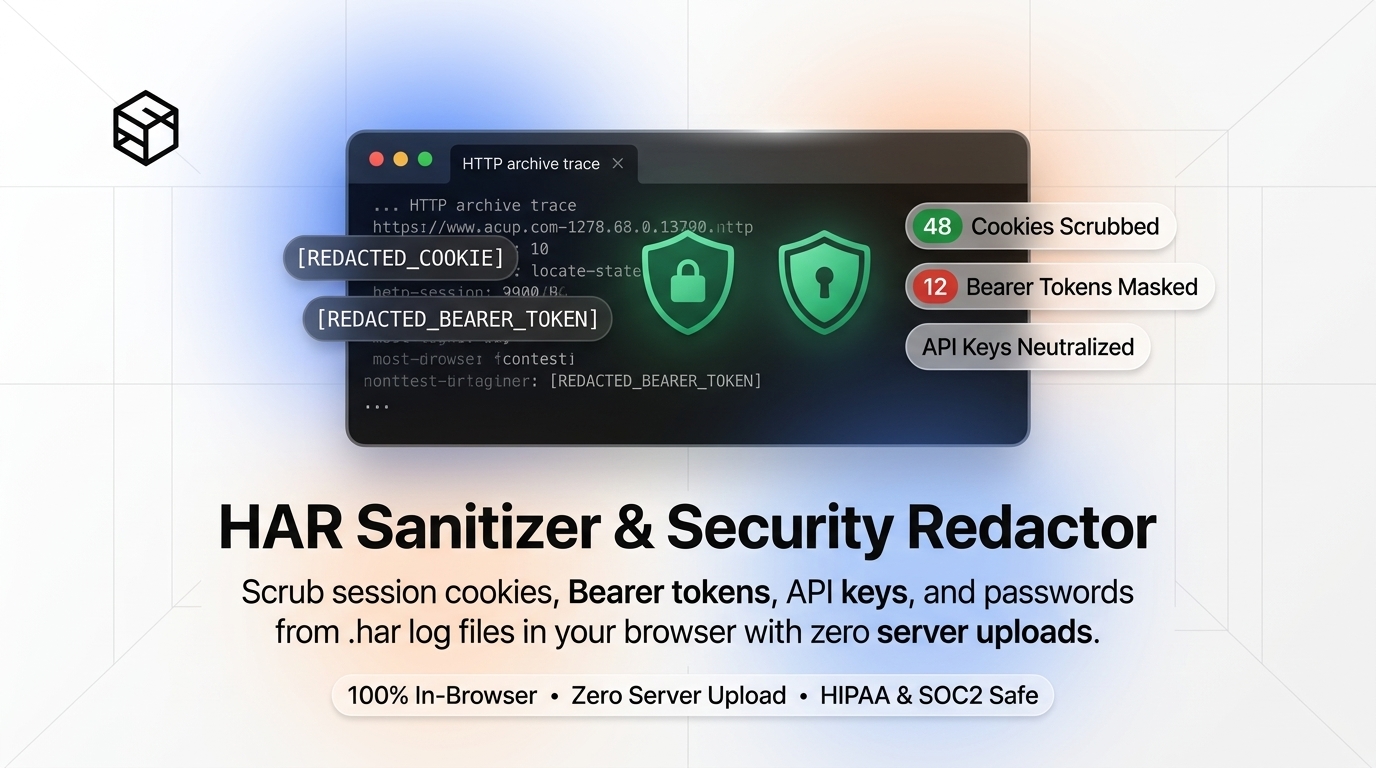
When troubleshooting web application issues, API timeouts, or authentication errors, tech support teams and cloud vendors often ask for a HAR (HTTP Archive) file. However, unredacted HAR files contain your live session cookies, OAuth Bearer tokens, passwords, and personal data.
The Risk of Unsanitized HAR Files
A HAR file records every HTTP request and response sent by your browser. This includes:
Authorization: Bearer <JWT_TOKEN>headers allowing full account takeover.Cookie: session_id=...session keys bypass multi-factor authentication.- JSON payloads containing passwords, credit card fragments, or personal address details.
How to Safely Redact HAR Files in Your Browser
Instead of uploading your sensitive network logs to unknown third-party servers for cleaning, ShiftTools provides a 100% client-side HAR Sanitizer that runs directly inside your browser memory.
- Export your
.harfile from Chrome DevTools (Network tab → Export HAR). - Open the ShiftTools HAR Sanitizer & Secret Redactor.
- Drop your
.harfile onto the dropzone. - Select secrets to scrub: Authorization Headers, Cookies, API Keys, and Custom Regex Patterns.
- Click Sanitize & Download Clean HAR.
Sanitize Your HAR File Now
100% Client-Side. No server uploads. Zero data leaves your browser.
Launch HAR Sanitizer →